
The following commands and apps are useful for both helpdesk and network teams, especially LDWin and “netsh wlan show interface” in my experience .
Connectivity
Ping (-t) IP address of the AP, etc in Windows Command Prompt or Mac Terminal, or ping 8.8.8.8 or 1.1.1.1 to check your internet connection while connected to a specific AP/SSID.
LDWin app (or Network>LLDP Neighbour/CDP Neighbour on WLAN Pi) This finds the switchport an AP is connected to.
____________________________________________
MAC and IP
Enter “ipconfig/all” in Windows Command Prompt.
The equivalent in MacOS is “/sbin/ifconfig” in Terminal.
____________________________________________
SSID, BSSID, Signal, and Channel
Enter “netsh wlan show interface” in Windows Command Prompt.
WiFi Signal from Intuitibits is a paid app for MacOS which will give you the same information as above.
For Windows, use inSSIDer, or WiFi Explorer by Intuitibits for Windows or Mac.
For Android, use WiFi Analyzer (by VREM) and/or Netspot to compare results, especially to verify which BSSID your device is currently connected to.
For iOS use Network Analyzer Lite.
____________________________________________
Signal Strength
Try fast.com, wifiman.com, or speed.cloudflare.com to check signal strengths (rather than exact connection speeds) to an AP in a location where a WiFi issue has been reported.
____________________________________________
A WLAN Pi is useful for various tests, listed below. The model tested here is a NEO2.
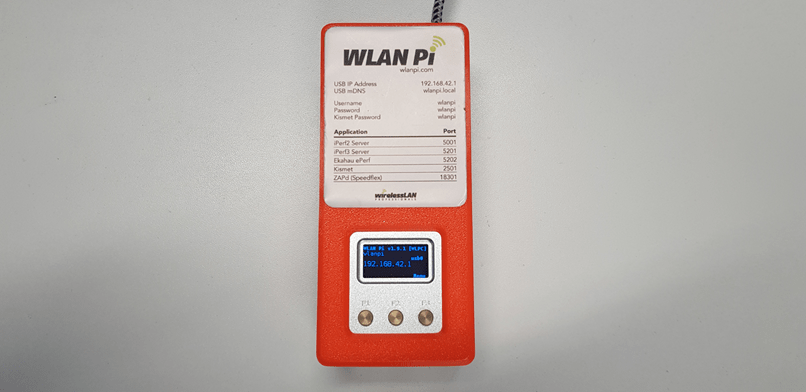
Check that the connection is up via USB in your network connections before navigating to 192.168.42.1.

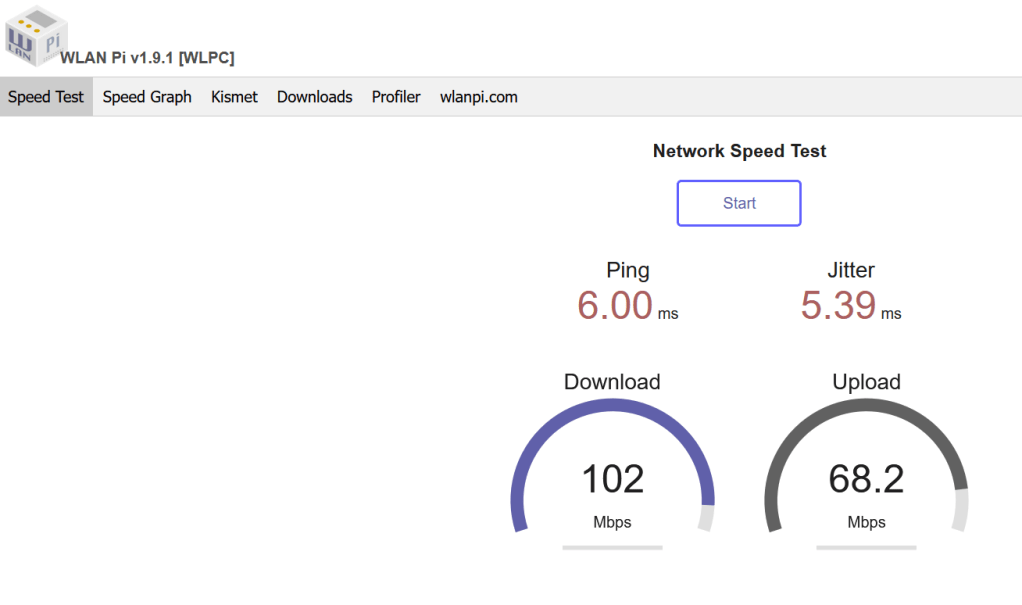
Speed Test
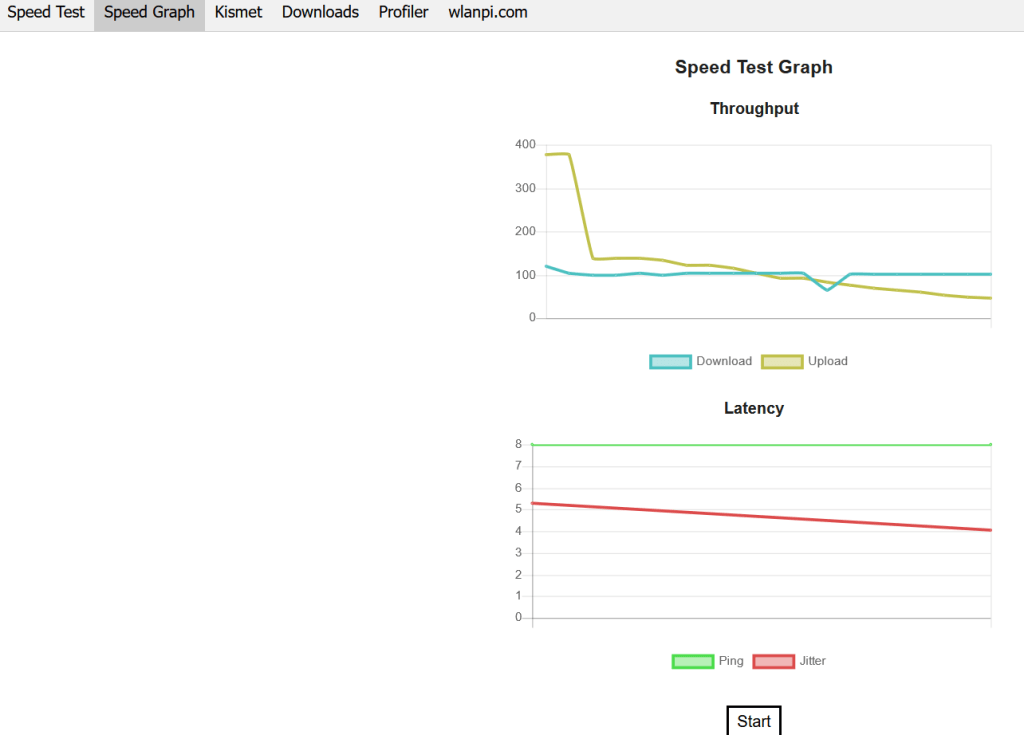
Speed Graph
Kismet is a wireless packet sniffer. Start the Kismet app on the WLAN Pi before opening the tab in the GUI.
Apps > Kismet:
- Status
- Stop
- Start

Network > LLDP Neighbour/CDP Neighbour: LLDP Neighbour is very useful for detecting the switchports patched to a wallport you are troubleshooting. CDP Neighbour performs the same function for Cisco switches.
Modes > Hotspot: After clicking Confirm the WLAN Pi will reboot. You can then view the passphrase for the Hotspot under Utils>WPA Passphrase. Hotspot is useful for measuring attenuation when you place the WLAN Pi behind an obstacle such as a wall or window, and running speed or signal tests on your phone or laptop.
- Cancel
- Confirm
 Applied WiFi